ModuLab Build • Code • Create
Login Register
Real Electronics for Curious Kids

ModuLab

What this is

Learn real electronics, one module at a time.

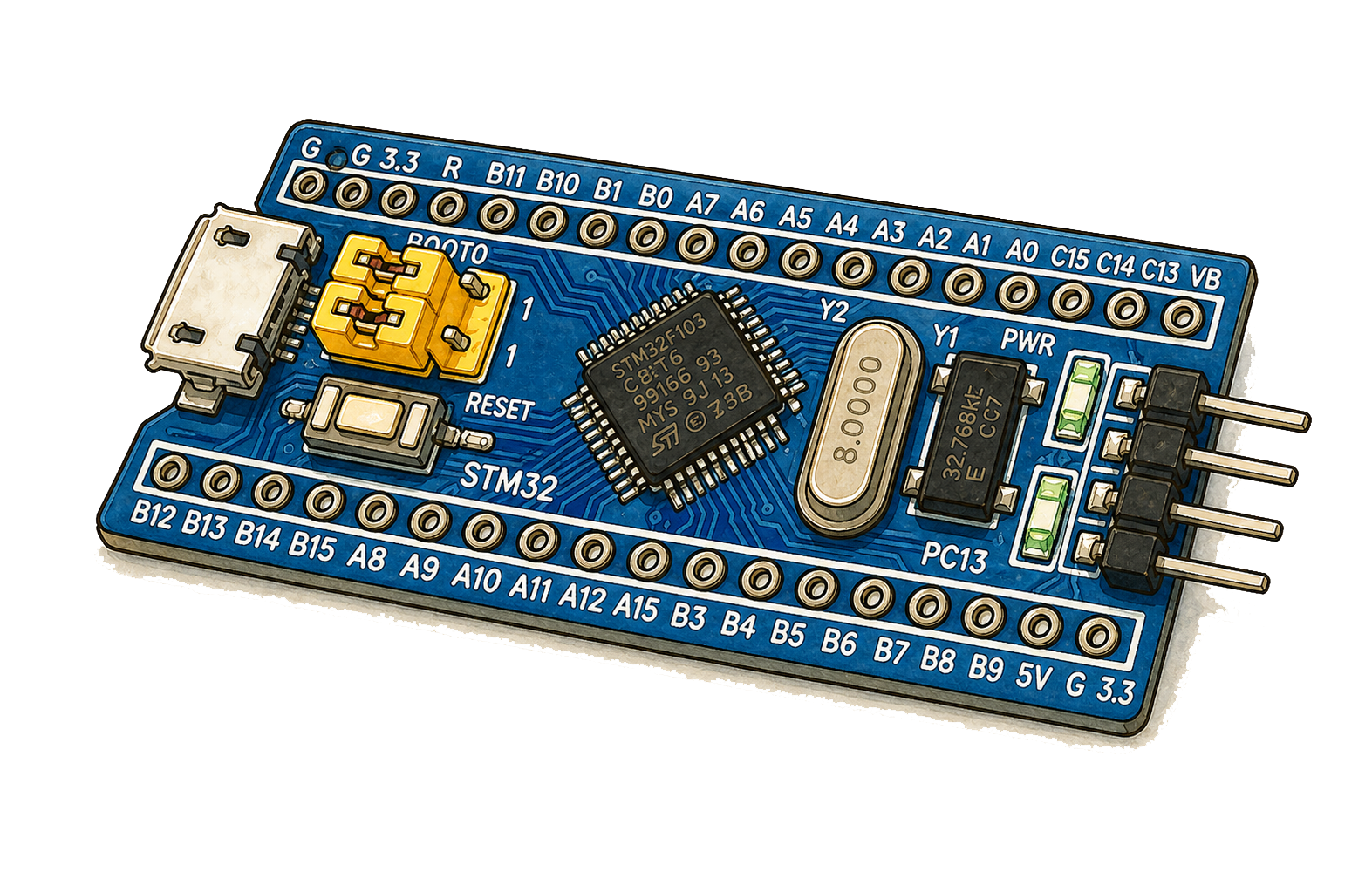
ModuLab is built around a simple idea: each small board is a clear module. The Bluepill is one module, the OLED screen is another, and so are the motion sensor, sonar sensor, Bluetooth module, and LED displays.

We call them modules because they are small, friendly building blocks you can pick up one at a time. You can learn one module on its own, then combine several on a breadboard to make a real circuit. The name makes the first step feel lighter, but the electronics are real, useful, and connected to the same kinds of ideas found in wider maker and engineering projects.

ModuLab is not a fixed set with one strict path through it. It is a flexible way of working with affordable modules, a Bluepill board, and browser tools that help children explore what each part does. Some learners will start with lights and displays, some with movement and sensors, and some by following lessons and then changing them.

The ModuLab is the live workspace where those modules come together. It is the place for testing parts, sending commands, watching sensor readings, saving your work, and seeing how your setup behaves. Around that, the docs, gallery, breadboard tools, and Play help turn small discoveries into larger builds and better understanding.

Why modules?

Small parts. Clear ideas. Real projects.

Modules are small, understandable pieces of real hardware. Some sense, some glow, some talk, and some display information, so children can understand one clear job at a time.

That makes electronics feel approachable without making it feel fake. Once one module makes sense, the next step is natural: combine two, then three, then build a circuit that does something real.

Start with fundamentals

From one tiny LED to a whole thinking board.

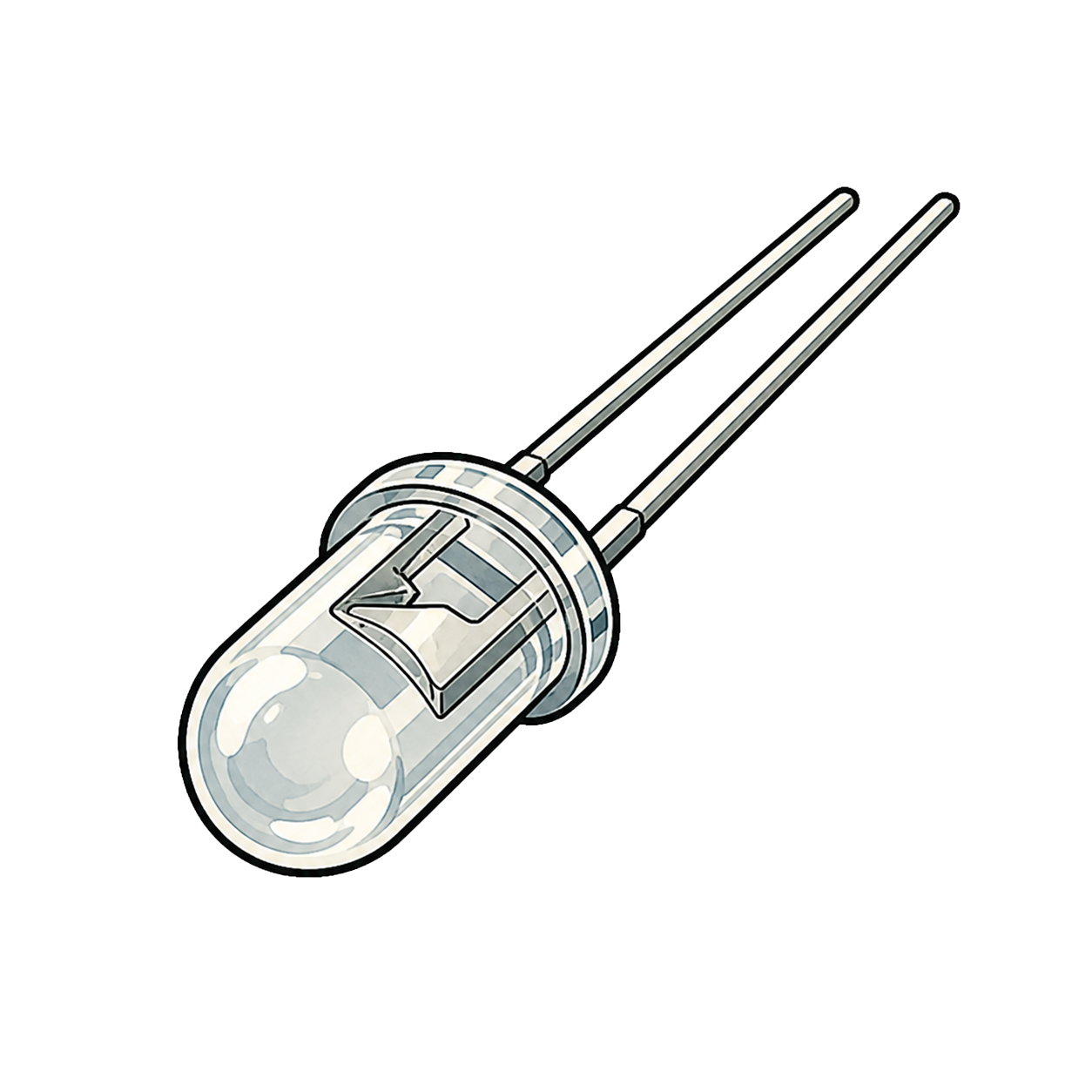
There is a David and Goliath feeling in the relationship between the LED and the microcontroller. One is tiny, humble, and easy to overlook. The other is packed with pins, memory, timing, and control. But the smaller part often teaches the bigger lesson first.

Before children jump straight into computing ideas like apps, abstractions, and complex code, it helps to meet the physical truths underneath them. Power has to come from somewhere. Current has to flow through something. A pin changes state, and something real in the world responds.

When a learner starts with an LED, they are not doing a lesser activity before the "real" work starts. They are meeting the real work in its clearest form. They learn that electronics is about signals, direction, timing, measurement, and observable outcomes. Once those foundations are solid, computing stops feeling abstract because the code is now attached to a physical effect they already understand.

That is why this course begins with fundamentals. A blinking LED is not just a first trick. It is a first proof that a child can understand how a machine speaks to the world, one small light at a time.

See cause and effect

Change a pin, observe a light, and connect the idea to a real physical result.

Build confidence early

Simple parts create quick wins that make bigger boards and bigger ideas feel approachable.

Understand before abstracting

Learning electronics first helps computing concepts feel grounded instead of mysterious.

Experiment

Get hands-on with the ModuLab.

The ModuLab is where you test ideas live. It lets you send commands, watch sensor readings, preview displays, and save your setup while the real board is connected.

That makes the ModuLab more than a control panel. It becomes a working bench in the browser where quick checks, lesson progress, and repeated experiments all happen in one place.

Choose a workspace

Choose whether you want to build, test, or play.

Quick start

Get the board talking first.

Step 1
Open The ModuLab

Connect your Bluepill board over USB, then open ModuLab.

Step 2
Try First Wins

Start with LED, Clock, and Matrix checks to verify the board is responsive.

Course progress
Start The Course

Open the first lesson to begin the guided course flow.